Unity RPG Project titled “The Magic Mystery.” Emphasis on combat, health, enemy and player animations and attacks, dialogue, level design, and game lore.
Description
Over the course of several months, I dedicated 4+ hours each day to developing this project, focusing on mastering Unity, C#, and implementing advanced features through self-directed learning, including hundreds of hours of instructional content. With the exception of prefabs and a dialogue editor, every system, from player movement and combat to the magic system and level ambiance, was designed and programmed from scratch. This project challenged my problem-solving skills and creativity, particularly in developing responsive mechanics and immersive environments. I’m proud of the time, effort, and growth that went into bringing this vision to life.
Key Features & Tools Implemented
Integrated cinematic sequences using Unity Timeline.
Developed a fully functional start menu and scene transition system.
Designed third-person movement and camera controls, including an archery mechanic with particle-based projectiles and aiming.
Built a modular enemy and NPC AI system using state machines.
Created immersive level environments using ProBuilder.
Utilized GitHub for version control and project backups.
Incorporated Mixamo prefabs for character animations.
Leveraged Unity Asset Store resources to enhance development efficiency and visual quality.
Notable Project Features
Level Design
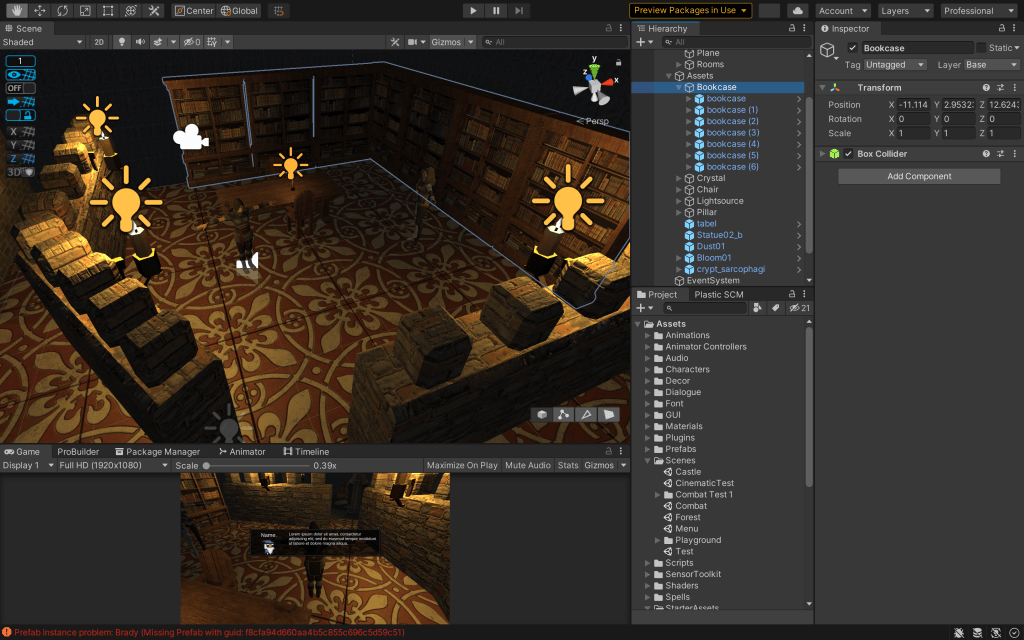
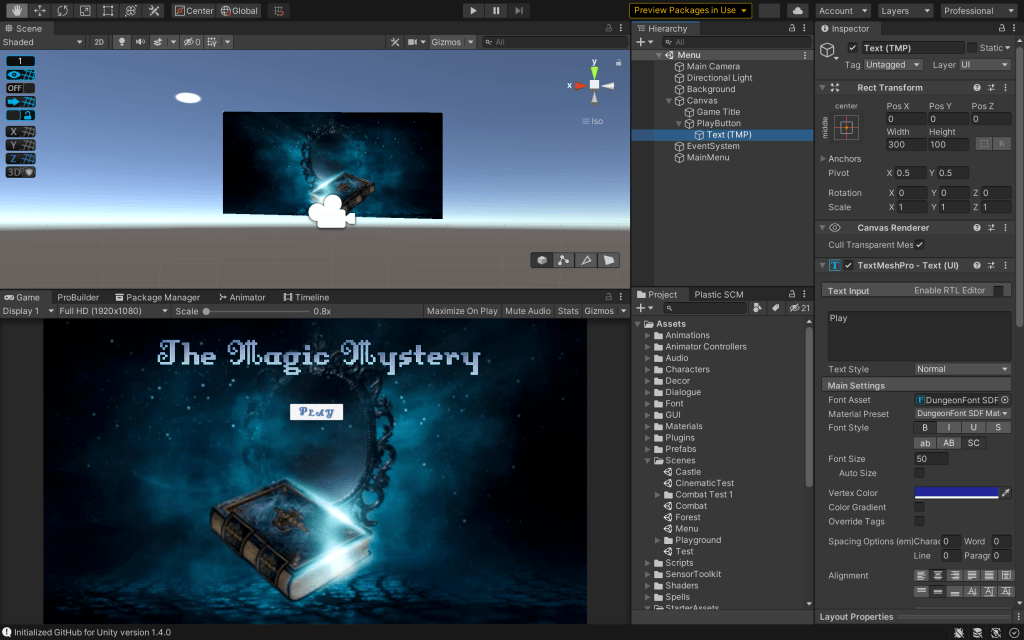
Menu
NPCs

Particle Effects
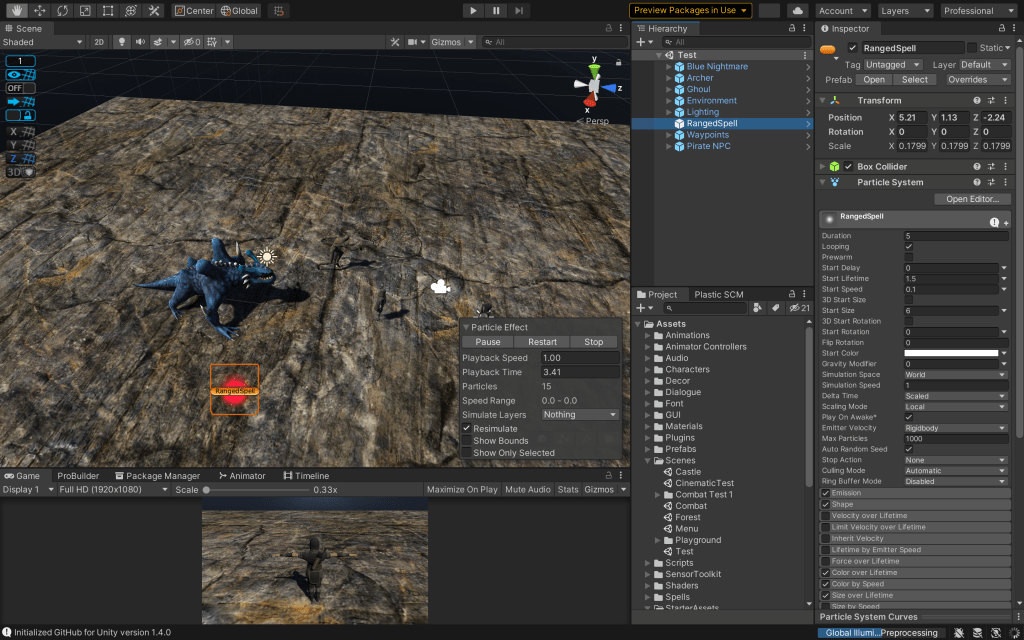
Player Design


The player utilizes two distinct animation graphs to support different gameplay modes. In the school environment, the focus is on exploration and dialogue, featuring animations tailored for walking and interacting with classmates. In contrast, the outdoor action scene emphasizes mobility and combat, incorporating animations for running, jumping, and casting magic. This separation enhances gameplay variety and allows players to engage with different mechanics and skill sets in each environment.
Enemy Design
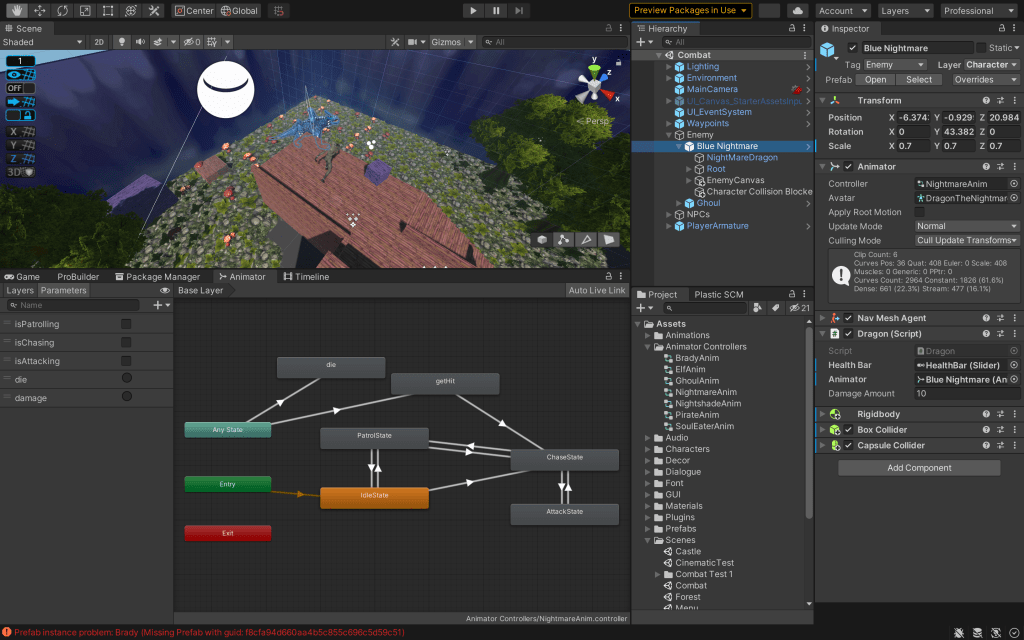

The enemy dragon is driven by a state machine that controls its behavior and animation logic. Each state, such as idle, attack, or chase, is linked to specific animations that blend seamlessly, allowing the dragon to transition fluidly between behaviors based on real-time conditions.
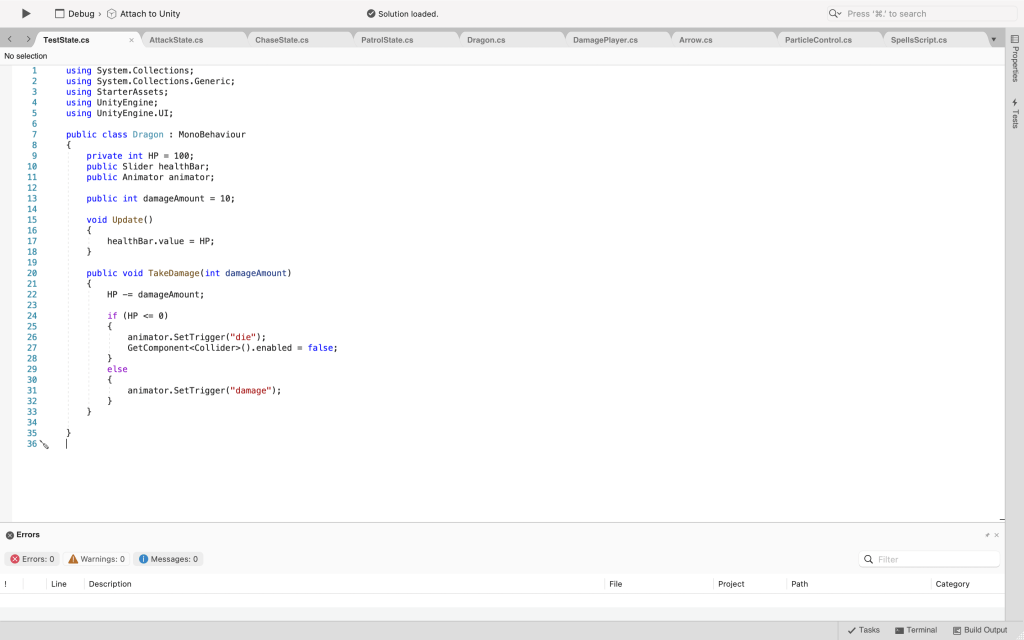
Notable Code
Enemy Attack State

Enemy Chase State
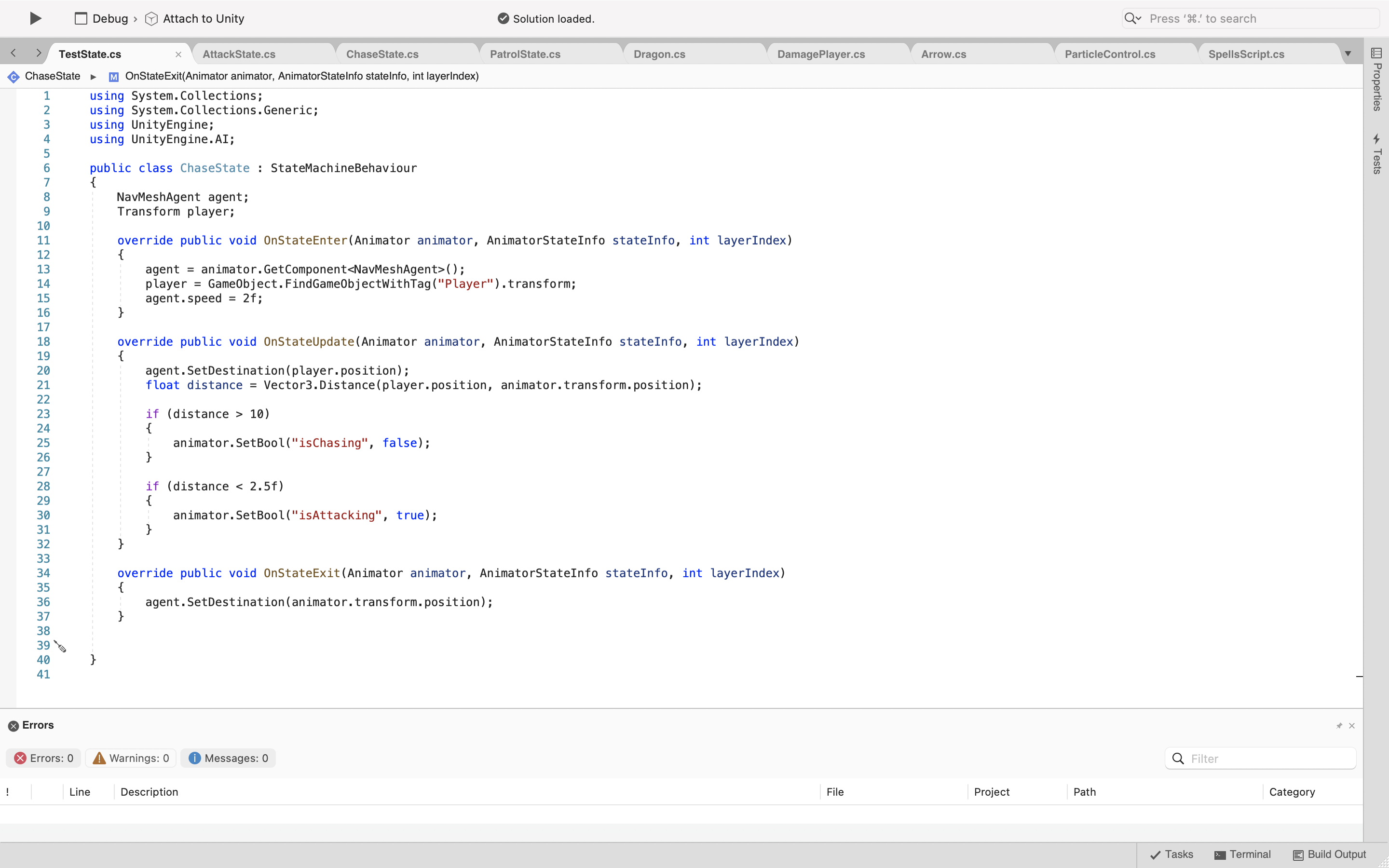
Dragon State Machine
Enemy Patrol State

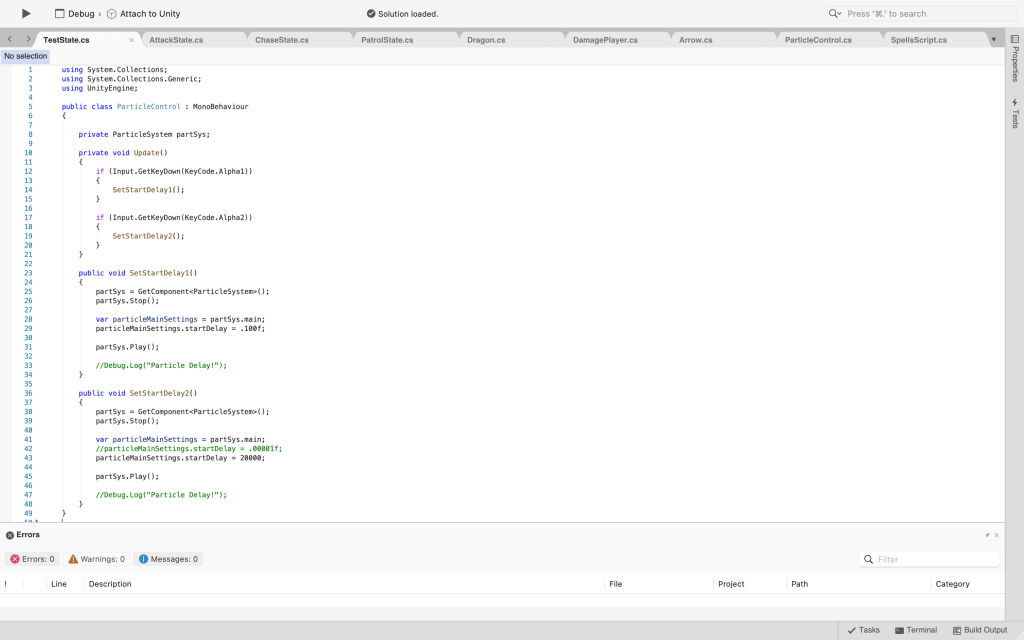
Particle System
 Julia M Wayne